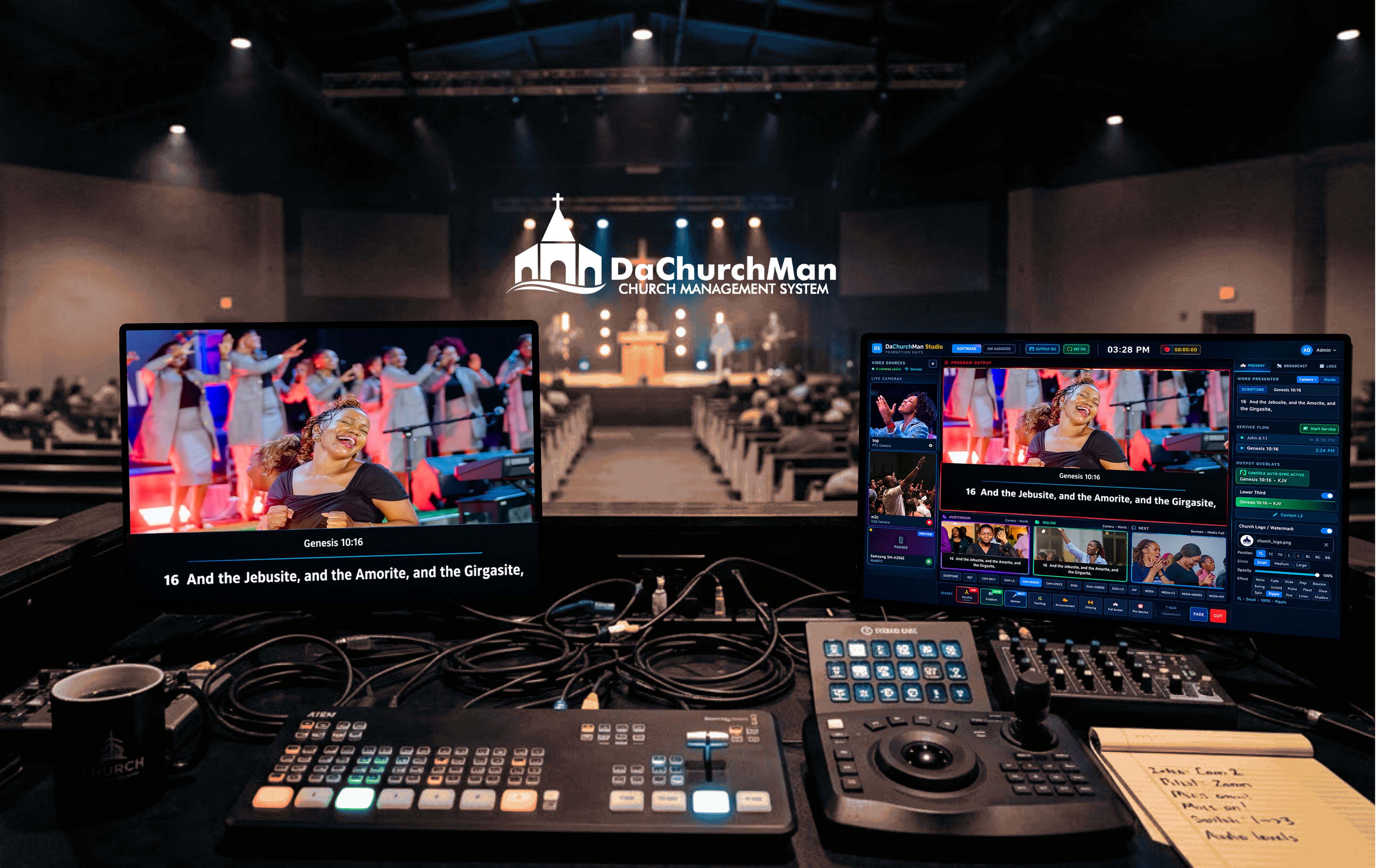
The all-in-one live production platform built exclusively for churches. Stream to YouTube and Facebook simultaneously, switch between cameras, project lyrics in two languages, control PTZ cameras, and produce broadcast-quality worship services — from a single desktop app. No OBS. No vMix. No duct tape. macOS and Windows.
Most churches are juggling 3 to 5 separate tools just to run a Sunday broadcast. The result? Missed cues, stressed volunteers, and a production that doesn't reflect the quality of your ministry.
Connect to DaChurchMan Worship Console over your local network — automatically discovered on your network. When your worship leader advances a hymn or triggers a lower third, Studio receives the event and auto-updates everything.
Your operator runs the service here — hymns, scriptures, slides, lower thirds, layers
Streaming, recording, cameras, and broadcast — all updated automatically from the Console
Every slide advance in the Console pushes new content to Studio's projection templates instantly
Speaker names, hymn titles, and scripture references flow to Studio's broadcast overlay
Service item changes trigger the matching scene — worship, sermon, offering, all mapped
Blank screen, logo, timer, layer toggles — every state change syncs in real time
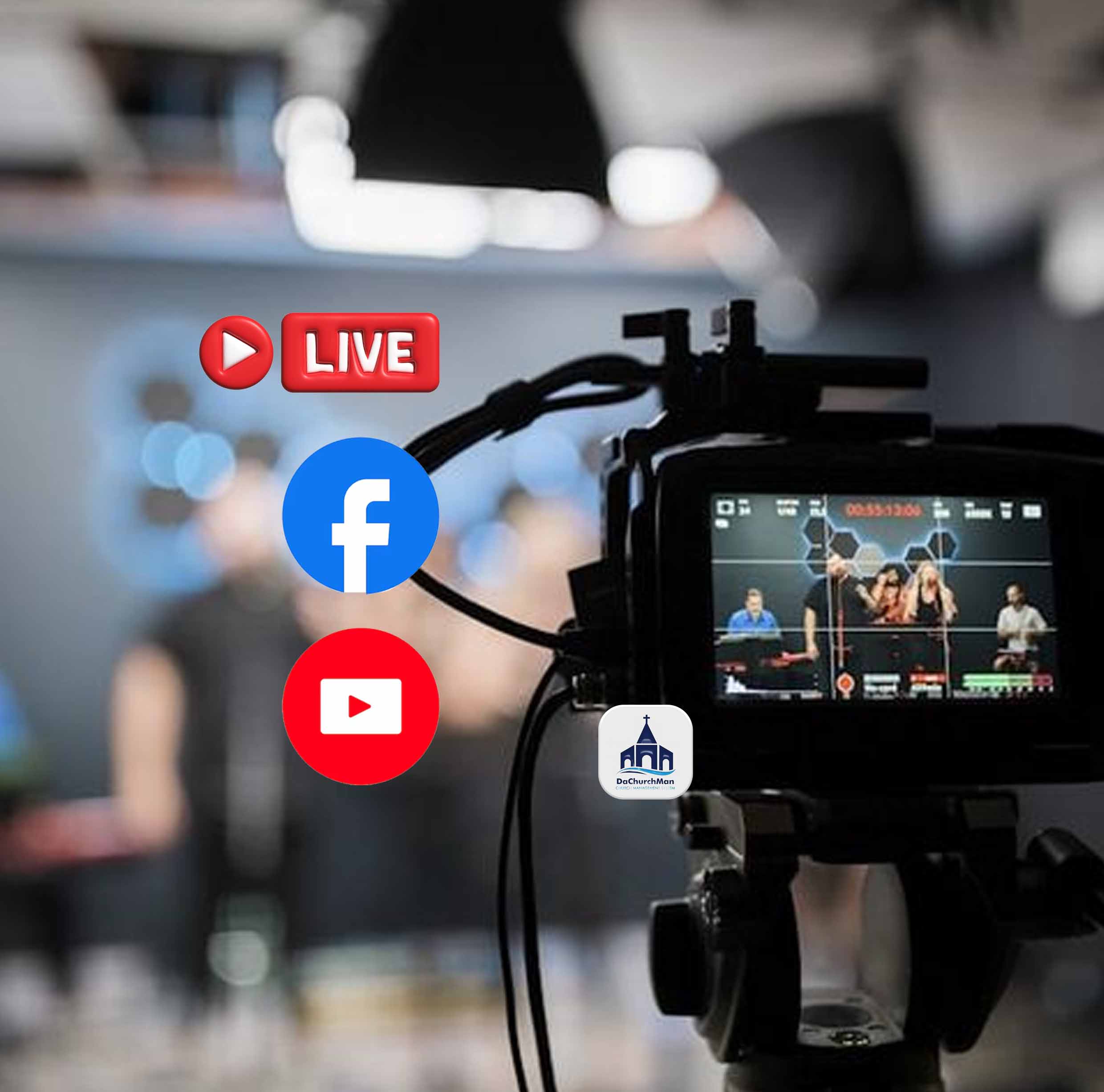
Stream to multiple platforms at the same time without paying for a restreaming service. Choose your resolution, pick your encoder, and hit one button. Real-time health monitoring tracks bitrate, dropped frames, and encoding speed.
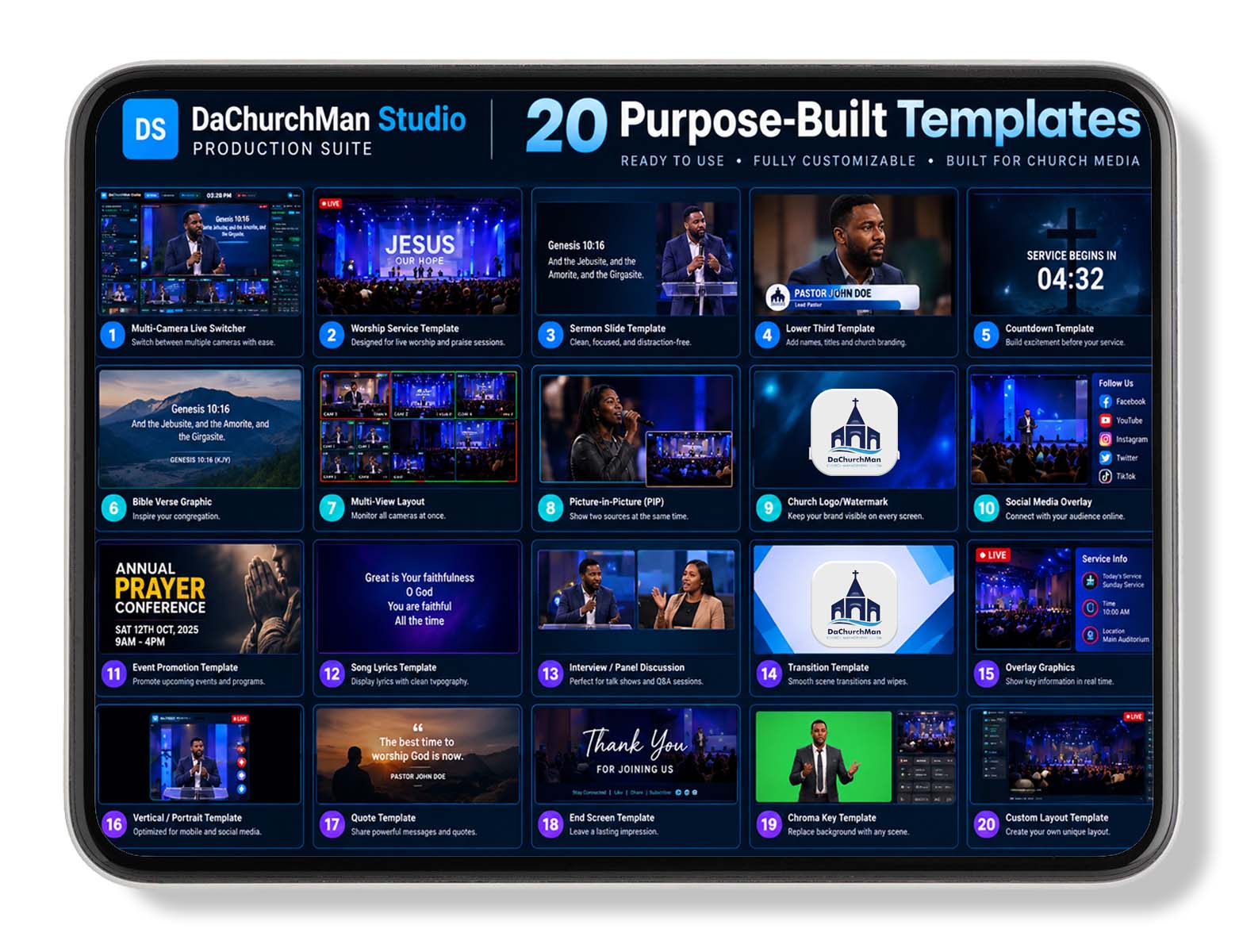
Every template was designed for a specific moment in a worship service — not adapted from a gaming stream layout. Full lyrics, parallel bilingual lyrics, camera + words, dual camera, picture-in-picture, announcement, teaching mode, media playback.
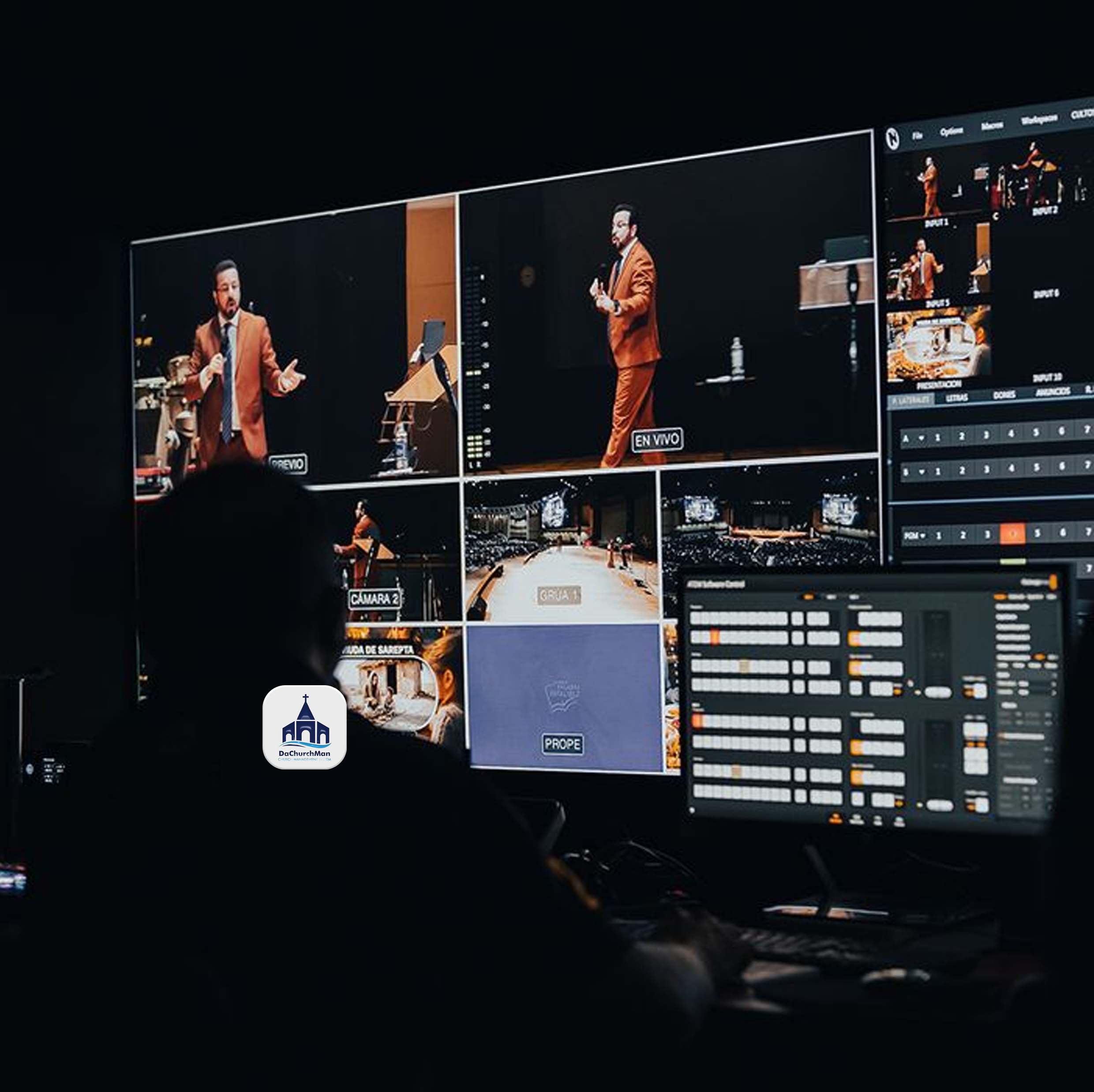
Pre-configured scenes that mirror a real church service — Worship, Scripture, Sermon, Teaching, Offering, Announcement, Full Screen, and Pre-Service. Each scene maps to a projection template and an ATEM hardware input.
Your camera setup shouldn't limit your production. Worship Studio works with everything you already own — and everything you'll buy next.
Plug in any webcam or capture card. Instant detection, zero configuration.
Full ONVIF pan-tilt-zoom control. Auto-discovery on your network. Recall presets instantly.
Broadcast-grade video over your local network. Send and receive NDI — zero-latency.
Scan a QR code. Any phone on your Wi-Fi becomes a wireless camera. No app needed.
Connect any IP camera with a standard stream URL. Security cameras, encoders, any RTSP device.
Share your desktop, slides, or any application as a live source in your production.
Play videos and images as live sources. Backgrounds, pre-recorded content, motion graphics.
See all your camera feeds on a dedicated second screen. Monitor everything at a glance.
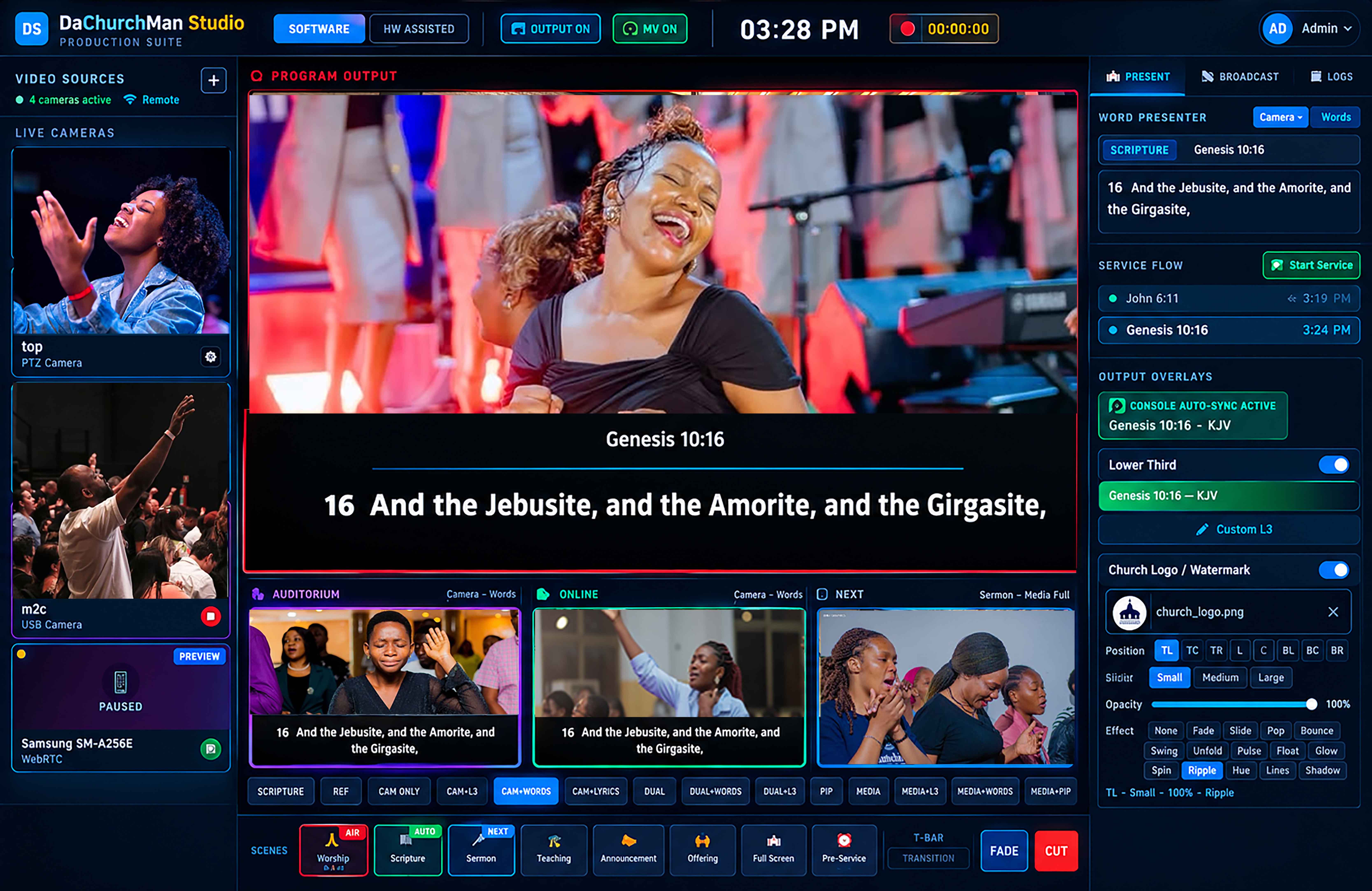
The Studio listens through your room microphone using on-device AI and highlights lyrics word-by-word as they're sung — karaoke-style, but for worship. Plus standalone AI sermon transcription with timestamps and auto-save.
On-device AI captures the worship leader's voice
Fuzzy-matches what it hears against the loaded lyrics in real time
Words light up as they're sung — auto-advance or manual operator control
AI sermon transcription with timestamps, 10-second auto-save, export as text
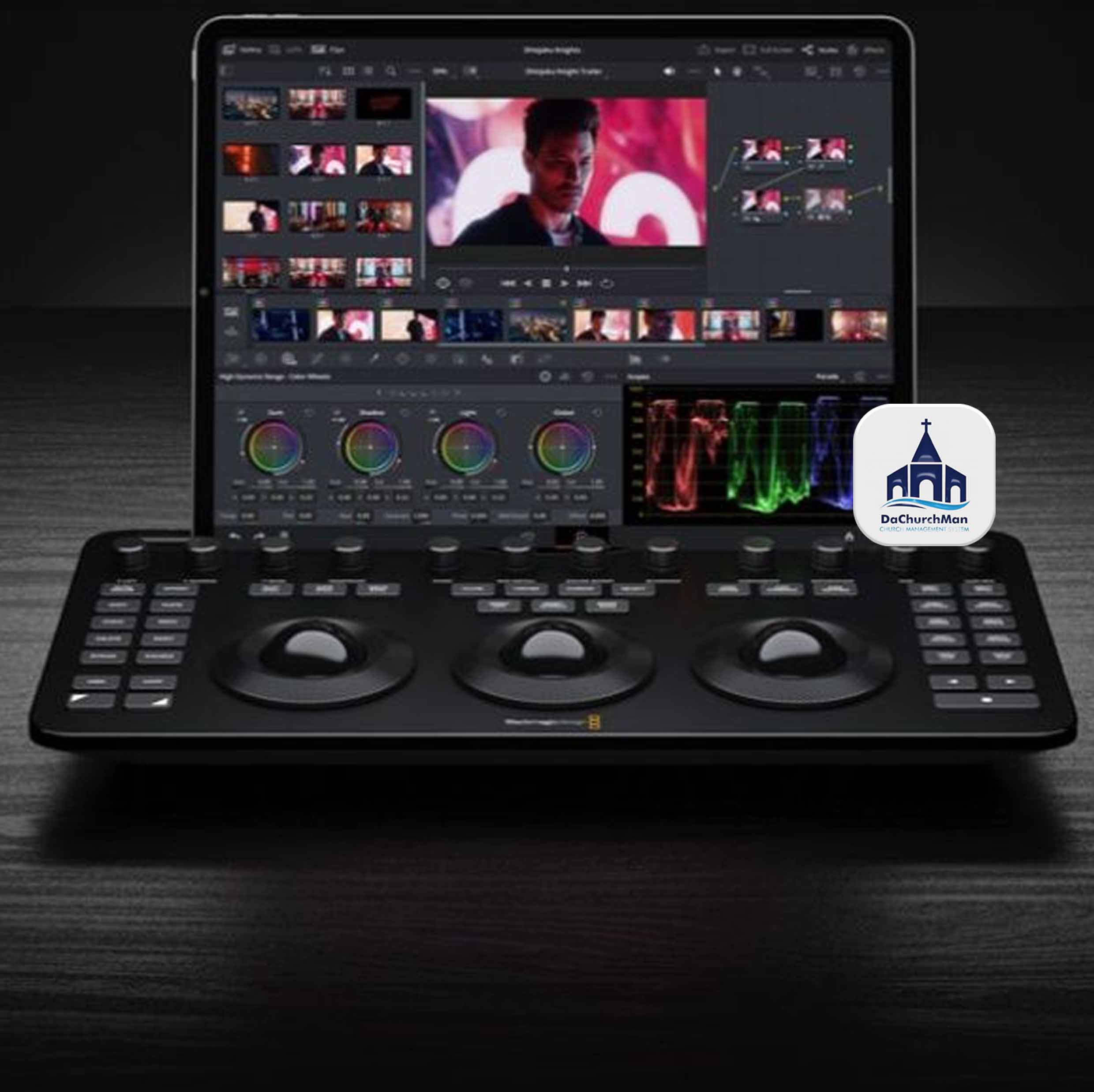
Already invested in Blackmagic hardware? Worship Studio speaks the ATEM protocol directly — no extra software needed. Two operating modes: "Software Production" where Studio does all switching, or "Hardware Assisted" where your ATEM handles switching while Studio manages overlays.
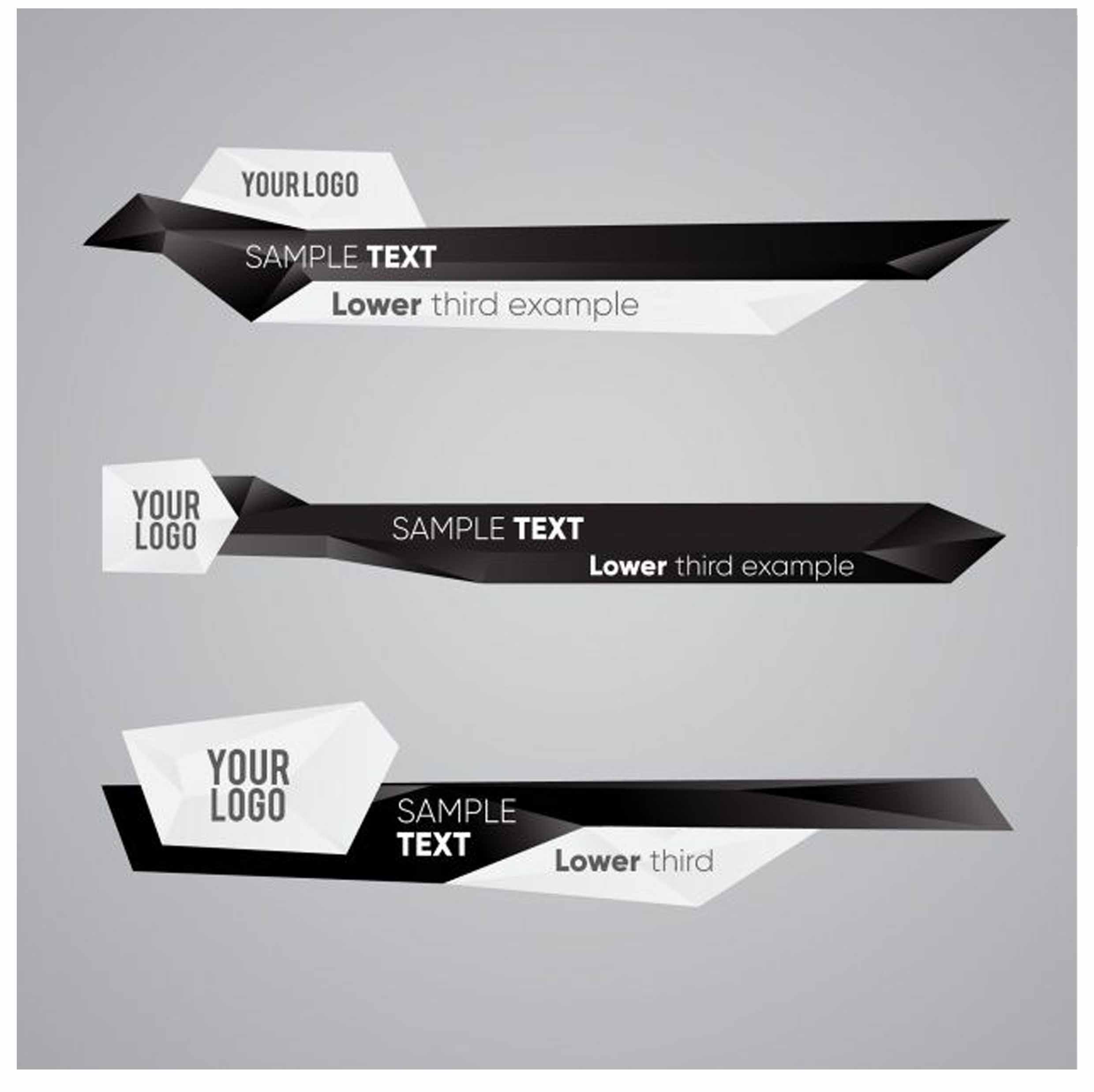
Professional broadcast-grade overlays that auto-trigger from your service order. 4 layout styles, 3 animation effects, and 6 accent color presets — all configurable per content type.
Record your entire service in broadcast quality to your local drive. Mark powerful sermon moments as they happen — the system generates highlight clips automatically without stopping your recording.
Your church logo doesn't just sit in a corner. Choose from 15 animation effects — entry animations, continuous loops, and style filters. Configurable position, size, and opacity.
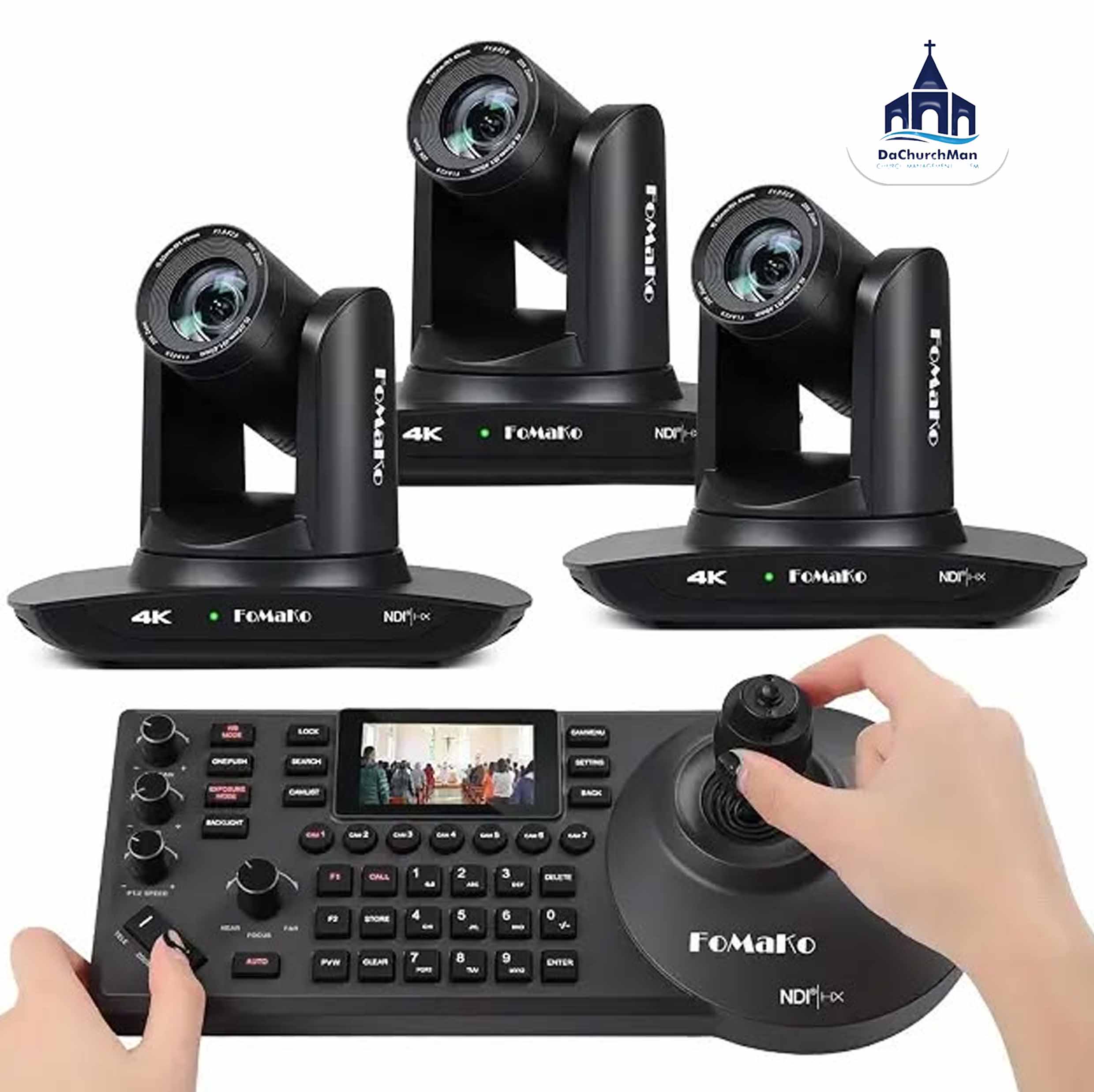
Control professional PTZ cameras directly from the Studio via ONVIF. Set preset positions for your pastor, choir, and wide shots. Recall any angle with a single click. Scan a QR code to turn any phone into a wireless camera.
Built for worship services, not gaming streams. Here's what that difference looks like.
| Capability | Generic Tools | Worship Studio |
|---|---|---|
| Lyrics & Scripture Projection | ✕ Requires separate software | ✓ Built-in, 20 templates |
| Bilingual / Parallel Text | ✕ Not available | ✓ Side-by-side languages |
| Presentation Software Link | ✕ Not available | ✓ Console Bridge auto-sync |
| Animated Lower Thirds | ✕ Basic, fully manual | ✓ Auto-triggered, branded |
| Worship-Specific Scenes | ✕ Generic scene list | ✓ 8 pre-built worship scenes |
| PTZ Camera Control | ✕ Requires plugins | ✓ Built-in ONVIF with presets |
| Phone as Camera | ✕ Not available | ✓ QR code, no app needed |
| Highlight Clipping | ✕ Not available | ✓ Moment markers, auto-clip |
| ATEM Switcher Support | ✕ Separate control | ✓ Integrated scene workflow |
| Multi-Platform Streaming | ✕ Needs restream service ($) | ✓ Built-in, no extra cost |
| Live Transcription | ✕ Not available | ✓ AI-powered, runs locally |
| Pricing | ✕ $0 (+ plugins) to $1,200 | ✓ GHS 50/month — all features |
Four roles with clear permissions. Every action logged across 14 categories. Your media team stays organized, accountable, and in control.
Full control — manage users, configure sources, set up streaming, access everything
Edit content, manage sources and templates, modify settings — everything except user management
Run live production, switch scenes, control cameras, manage streaming — focused on go-time
Monitor only — watch the production without touching controls. Ideal for pastors and oversight
Download and use the full Worship Studio free for 30 days — no credit card, no limitations, every feature unlocked. After your trial, choose a plan that fits your setup. No tiers. No per-platform streaming fees. All 20 templates, ATEM integration, NDI, AI lyric highlighting, multistreaming, recording, and every camera source type.
Need more than 5 devices? Contact us for a custom plan.
If your church uses the DaChurchMan Church Management System, you can add Worship Studio directly from your subscription dashboard — no separate purchase needed.
Go to DashboardWorship Studio does real video work — multi-camera switching, encoding and recording — so it asks more of a computer than the Console does. Here is exactly what it needs, before you download.
| Requirement | Minimum | Recommended |
|---|---|---|
| Operating system | Windows 10 (64-bit) | Windows 11 |
| Processor | Intel Core i5 / AMD Ryzen 7 | Intel Core i9 / AMD Ryzen 9 |
| Memory | 8 GB RAM | 16 GB RAM |
| Storage | 2 GB — app and AI model | 10 GB or more on SSD, for recordings |
| Display | 1440 × 900 minimum resolution | Triple display — operator, projection and multiview |
| Graphics | DirectX 11 compatible | NVIDIA GTX 1060+ or AMD RX 580+, for hardware encoding |
| Network | Internet once, for licence activation and AI model download | Gigabit LAN for NDI and Console Bridge |
| Optional | — | FFmpeg for live streaming, Blackmagic ATEM switcher |
| Requirement | Minimum | Recommended |
|---|---|---|
| Operating system | macOS 11 Big Sur | macOS 13 Ventura or later |
| Processor | Apple M1 / Intel Core i5 | Apple M1 Pro or later |
| Memory | 8 GB RAM | 16 GB RAM |
| Storage | 2 GB | 10 GB or more on SSD, for recordings |
| Display | 1440 × 900 minimum resolution | Triple display — operator, projection and multiview |
| Network | Internet once, for licence activation and AI model download | Gigabit LAN for NDI and Console Bridge |
| Permissions | Screen Recording for streaming and recording, Microphone for AI features | — |
| Optional | — | FFmpeg for live streaming, Blackmagic ATEM switcher |
Ports used
8766 — WebRTC signalling server, for mobile phone camera input.9910 — ATEM switcher connection, UDP, LAN only.When the internet is needed
Supported input sources
Optional hardware
Download Worship Studio. Set up in 15 minutes. Broadcast like a professional production team — because now you are one. 30 days free — then GHS 50/month, every feature, no limits.